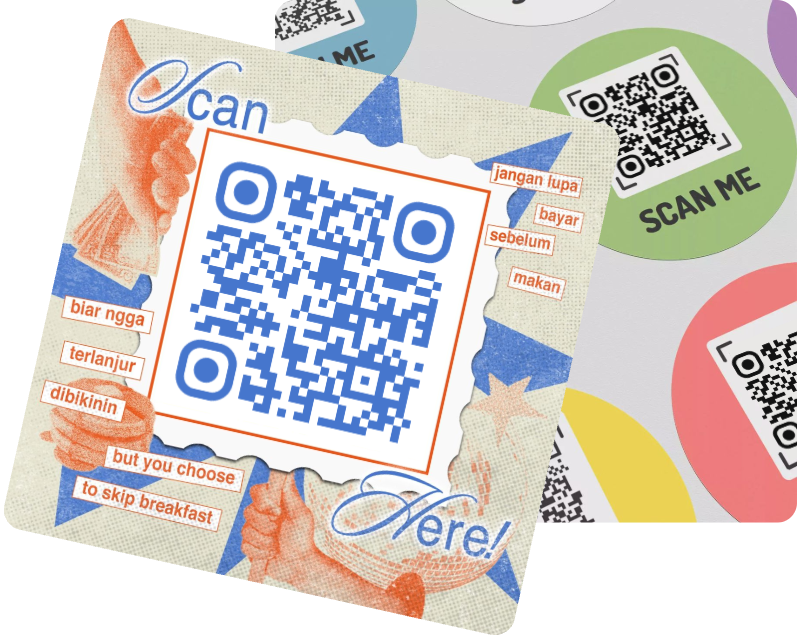



 60% OFF

In the digital age, QR code have become a staple for sharing links, product information, and event details - but a distorted QR code can quickly derail user experience and render your efforts useless.
Whether it's a blurry qr code on a poster or a qr code not working when scanned, these issues often stem from preventable mistakes. This guide dives into why distorted qr code happens, how to fix common problems like blurred qr code or qr code broken, and how to create high-quality QR codes that avoid qr code failure entirely.
Part 1. What Is a Distorted QR Code?
A distorted QR code refers to any QR code that's altered from its original, scannable state - whether it’s stretched, warped, smudged, or damaged. Unlike a mild blurry qr code, a distorted qr code often fails to be decoded by smartphones, leading to qr code not working errors.
This issue is closely linked to other problems like distorted barcode (a similar issue with 1D barcodes), dirty qr codes (smudged or stained), and damaged qr code (torn, faded, or scratched).
Part 2. Key Causes of Distorted QR Code
1. Improper Resizing or Scaling
Stretching a QR code horizontally/vertically (e.g., resizing a small PNG to fit a large poster without maintaining aspect ratio) is the top cause of distorted qr code. This warps the code's black-and-white modules, making it unrecognizable to scanners.
2. Low-Quality Printing
Printing a QR code at less than 300 DPI or using a low-quality printer can result in both blurred qr code and distorted qr code. Ink smudges or uneven paper can also turn a clear code into a dirty qr codes or damaged qr code.
3. Environmental Damage
Outdoor QR codes are prone to distorted qr code due to rain, sunlight, or physical wear. UV rays fade colors (creating blurred qr code), while rainwater can smudge ink-leading to qr code broken or qr code not working.
4. Poor Design Choices
Over-customizing a QR code can distort its structure. This often leads to qr code blurry scans or complete qr code failure.
Part 3. How to Fix Distorted QR Code
If you're dealing with a distorted qr code, blurry qr code, or damaged qr code, a qr code fixer can help restore scannability - though results depend on the severity of the issue. Below are the best tools and step-by-step methods to fix distorted qr code and related problems:
1. MAKEAQRCODE Generator (Regenerate for Severe Distortion)
For severely distorted qr code (e.g., torn, fully warped), the best fix is to regenerate the code entirely. MAKEAQRCODE Generator is a reliable tool that creates high-quality, scannable QR codes - avoiding qr code failure from the start.
- · Support for multiple QR code types
- · Highly customizable QR codes with easy preview switching
- · Quickly generate high-quality QR codes
- · Extensive templates for diverse application scenarios
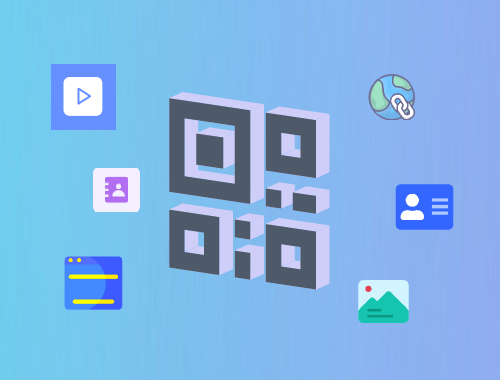
Steps to Regenerate a Fix QR Code:
Step 1. Go to MAKEAQRCODE Generator and select “URL” (or your desired content type).
Step 2. Paste the original link (the one from your distorted qr code) to ensure accuracy.
Step 3. Customize the design (avoid overdoing it - stick to high-contrast colors to prevent future qr code blurry issues).
Step 4. Click “Create” and download the code as an SVG to avoid distorted qr code when resizing.
2. Fantasyimg AI Image Upscaler (Best for Blurry/Distorted QR Codes)
Fantasyimg AI Image Upscaler is a top qr code fixer for correcting mild to moderate distorted qr code and blurry qr code. It uses AI to enhance resolution, reduce blur, and restore module structures.
Steps to Fix Distorted QR Code:
Step 1. Visit the Fantasyimg AI Image Upscaler website and click “Upload.”
Step 2. Select your distorted qr code or blurry qr code (supports JPG, PNG, and SVG).
Step 3. Click “Upscaler” to let the AI analyze and repair the code. It will reduce blur, fix minor warping, and enhance contrast.
Step 4. Download the restored QR code and test it with a scanner—most mild distorted qr code issues will be resolved.
Part 4. FAQs about Distorted QR Code
Q1: Why is my QR code not working?
Your qr code not working is likely due to distorted qr code, blurry qr code, or damaged qr code. Common causes include improper resizing, low-quality printing, or environmental damage. Test the code with a different scanner - if it still fails, use a qr code generator, like MAKEAQRCODE Generator.
Q2: Can I fix a severely distorted QR code?
Severely distorted qr code is hard to fix with a qr code fixer, the best solution is to regenerate the code. Use the original link to create a new QR code to ensure accuracy. For mild distortion, tools like Fantasyimg AI can restore scannability.
Q3: How does QR code error correction help with distorted QR code?
QR code error correction uses built-in algorithms to decode partially damaged or distorted qr code. H-level correction (the highest) can repair up to 30% of a code’s modules—this means even a slightly damaged qr code or dirty qr codes can still scan.
Q4: Are dirty QR codes the same as distorted QR codes?
Dirty qr codes are a type of qr code distorted, they both disrupt the code’s structure and cause qr code not working errors.
Q5: How do I choose a good QR code fixer?
Look for a qr code fixer that supports AI enhancement (for blurry qr code), vector output (for resizing), and compatibility with common formats (JPG, PNG, SVG). Fantasyimg AI (for repair) and MAKEAQRCODE Generator (for regeneration) are top choices.
Part 6. Conclusion
A distorted qr code can turn a seamless user experience into frustration, leading to qr code not working errors and lost opportunities. By understanding the causes (improper resizing, low printing quality, environmental damage) and using tools like MAKEAQRCODE Generator, you can restore scannability and avoid qr code failure.
Register Now to get up to 60% OFF
Quickly generate QR code with multiple types, styles, and templates



 Dynamic QR codes — edit the link anytime