


 60% OFF

In the digital world, exchanging contact information has become incredibly fast and convenient. Instead of manually typing someone's name, phone number, and email into your phone, you can share everything instantly using a vCard. But many people still ask: what is a vCard, how does it work?
In this complete guide, you'll learn what is a vCard, the meaning of vCard, what is a vCard used for, and even how to make a vCard using a modern vCard creator.
What Is a vCard?
vCard refers to a digital version of a business card. When people search for what is a vCard, the simplest explanation is:
A vCard is a standardized electronic contact card that allows users to share personal or business information in a single file.
A vCard can contain: Full name, Phone numbers, Email addresses, Company and job title, Social profiles, Location information.
When people wonder what does vCard mean or the meaning of vCard, the answer is simple: it stands for Virtual Contact Card. This is why the official file format is called a VCF file, short for vCard File Format.
What Is a vCard Used For?
A common question is: what is a vCard used for? The uses are broad and especially relevant in today's mobile-first environment.
- Sharing contact details on websites
- Embedding contact data inside email signatures
- Saving business partner information with one tap
- Adding a virtual business card to networking apps
- Creating digital business cards accessible via QR code
- Providing contact details for customer support or sales teams
Businesses and professionals prefer vCards because they are simple, fast, and universally compatible. Whether the contact comes from a vCard QR code, a file attachment, or a NFC digital card, the importing process is instant.
How to Make a vCard online
If you want to create your own business cards online, MAKEAQRCODE Generator is one of the best tools. Although it's an online QR code generator, it can generate flexible, customizable business card QR codes to suit your needs. It also offers a huge library of business card templates; all you have to do is fill in your information.
- · Support for multiple QR code types
- · Highly customizable QR codes with easy preview switching
- · Quickly generate high-quality QR codes
- · Extensive templates for diverse application scenarios
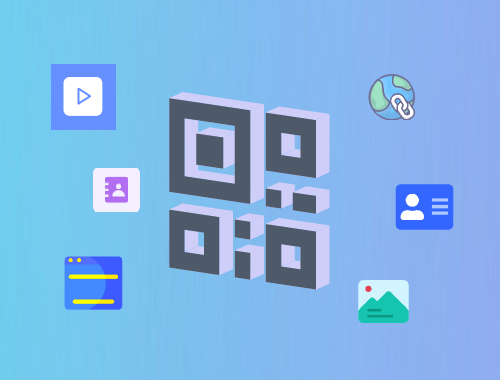
Step 1. Select vCard QR Code
First, select vCard QR Code as the desired QR code type in MAKEAQRCODE Generator.
Step 2. Enter your Information
Fill in the name, description, etc., and then customize the QR code style, modifying its shape, color, theme, etc. .
Step 3. Generate vCard
Finally, click the Create button to create your vCard QR code.
Conclusion
Now you fully understand what is a vCard, the meaning of vCard, the role of a vCard file, and what is a vCard used for. You also learned how to make a vCard using MAKEAQRCODE Generator.
vCards simplify contact sharing, improve professionalism, and eliminate manual typing forever. As digital networking continues to grow, vCards are becoming a fundamental tool for personal branding and business communication.





 Dynamic QR codes — edit the link anytime