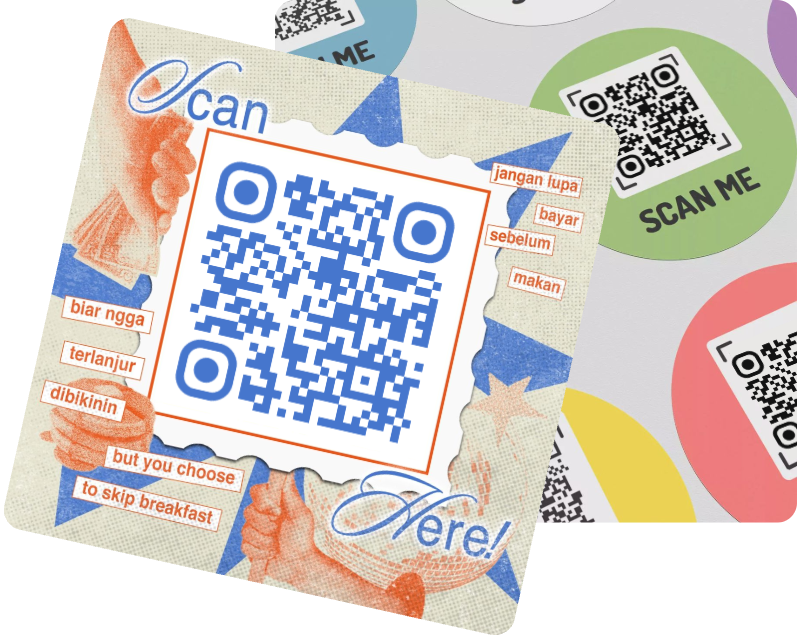



 60% OFF

Turning a link to QR code is one of the best ways to quickly increase user engagement and streamline workflows. Instead of typing in lengthy links, users can simply scan and be redirected to the corresponding page. Well-designed QR code can also be more eye-catching and showcase your brand image.
Part 1. What is a link QR Code?
Link to QR code, also known as a URL QR code, is a specific type of QR code that created from URL. When scanned with a smart device, it redirects the user to a specific webpage in their mobile browser.
Link to QR code is often used on marketing materials such as posters and flyers, as well as on product packaging, menus, resumes, and advertisements. Link QR code can be categorized as static (immutable) or dynamic (editable and trackable) QR Code.
Part 2. How to make a QR Code for a link?
There are many ways and tools to create QR code from URL. You can use online link to QR code generator, QR code generator programs, or command-line tools (more suitable for developers). Here, you'll learn about 2 simple tools for converting link to QR code.
Online Link to QR Code Generator for free
The easiest way to turn link into QR code is to use a free online link to QR code generator. MAKEAQRCODE Generator can create QR code from link in seconds. You can quickly generate a free link QR code in just 3 simple steps.
- · Support for multiple QR code types
- · Highly customizable QR codes with easy preview switching
- · Quickly generate high-quality QR codes
- · Extensive templates for diverse application scenarios
Step 1. The first step in turning a link to QR code is to select URL as the QR code type.
Step 2. Enter the link address and click Next.
Step 3. Customize the QR code design and click Create.
MAKEAQRCODE Generator gives you the power to highly customize your QR code, allowing you to modify the color, shape, theme, frame, and more.
In addition to turn link to QR code, MAKEAQRCODE Generator supports 25+ different QR code types. You can also generate WiFi QR codes, video QR codes, QR barcode, wedding image QR codes...
Turn link into QR Code directly on Chrome
QR code generators can generate different types of QR codes, including URL QR codes. However, if you want to convert a webpage (a link) to a QR code, Google Chrome can also help.
Step 1. Visit the page whose link you want to convert into a QR code.
Step 2. Right-click on the page and select Create QR Code for this page from the menu.
Step 3. The generated QR code will appear in the top right corner of Google Chrome, and you can download the QR code image.
Part 3. Why to create QR Code from URL?
1. Enhance User Engagement
Converting link to QR code, especially well-designed ones, can significantly increase user engagement, especially when long links are required.
2. Streamline Workflows
Using QR code from link can quickly guide customers through their processes and answer common questions, while also saving costs and reducing staffing.
3. Unique QR Code Design
Compared to standard link, turning Link to QR code can direct users to your page in a more aesthetically pleasing way. Furthermore, a well-designed QR code can showcase your brand image or personal style.
Part 4. FAQs
Question 1. What types of URL can be used to create link QR code?
Any complete and valid URL can be used to create QR code from URL. A QR code is simply an encoded URL text string.
Question 2. How to make Google Form link into QR Code?
Open your Google Form in a browser, copy the form link, and go to the MAKEAQRCODE Generator. Select Generate Link QR Code, enter the link, and customize the QR code style. Finally, click Create.
Question 3. How to generate qr code for multiple links?
Find a QR code generator that supports multi-link QR code generation, such as MAKEAQRCODE Generator. Then, enter multiple QR code links in the Multi-link QR Code option. Finally, click Create to quickly generate the multi-link QR code.
Part 5. Conclusion
In this article, we've covered what a link QR code is, how to generate QR Code from URL, and common usage scenarios and benefits of link to QR code in real life. Now, go to the MAKEAQRCODE Generator to quickly generate your own link QR code.
Register Now to get up to 60% OFF
Quickly generate QR code with multiple types, styles, and templates





 Dynamic QR codes — edit the link anytime