Wait! Don't Miss Your
60% Discount!
Don't leave yet. Use your 60% discount before. it's gone.
Offer valid only for this session!
Offer valid only for this session!
3
0
:
0
0
Buy now

 00:00:00Limited Time Offer! Only 60% OFF NOW for Annual Plan!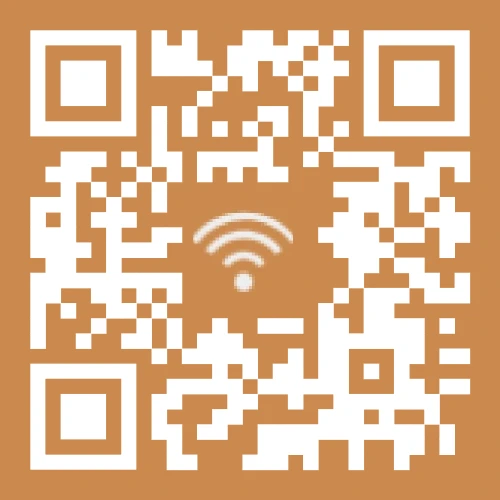



 Most Popular
 Unlimited Static QR Codes
100 Dynamic QR Codes
Download Formats: PNG, JPG, SVG
Unlimited Scans
Advanced Customization (Logos, Colors, Templates, Borders)
Full Template Library
Bulk Creation
Dedicated Customer Support (1:1 assistance)
Cancel any time Best ValueUnlimited Static QR Codes
Unlimited Dynamic QR Codes
Download Formats: PNG, JPG, SVG
Unlimited Scans
Advanced Customization (Logos, Colors, Templates, Borders)
Full Template Library
Bulk Creation
Enterprise Scan Analytics (Count, Time, Location, Device Info)
Dedicated Customer Support (1:1 assistance)
Cancel any time
Unlimited Static QR Codes
100 Dynamic QR Codes
Download Formats: PNG, JPG, SVG
Unlimited Scans
Advanced Customization (Logos, Colors, Templates, Borders)
Full Template Library
Bulk Creation
Dedicated Customer Support (1:1 assistance)
Cancel any time Best ValueUnlimited Static QR Codes
Unlimited Dynamic QR Codes
Download Formats: PNG, JPG, SVG
Unlimited Scans
Advanced Customization (Logos, Colors, Templates, Borders)
Full Template Library
Bulk Creation
Enterprise Scan Analytics (Count, Time, Location, Device Info)
Dedicated Customer Support (1:1 assistance)
Cancel any time
Go to WiFi settings, hold your two iPhones close together, and tap Share WiFi Password. However, both iPhones must be running iOS 11 or higher.
Use the online MAKEAQRCODE Generator to generate QR Code for WiFi, also supports URL, image Facebook QR code, and more.
The QR code for WiFi sharing and connection contains WiFi name, password, and other login information, allowing you to quickly connect to the network by scanning it.
On most modern smart devices, you can scan WiFi QR code by opening the default Camera app.
Yes, but if the WiFi QR code is from an unknown network in a public area, you may need to carefully identify it. It's best to scan WiFi QR code from trusted sources, such as restaurants, cafes, hotels, and friends' homes.