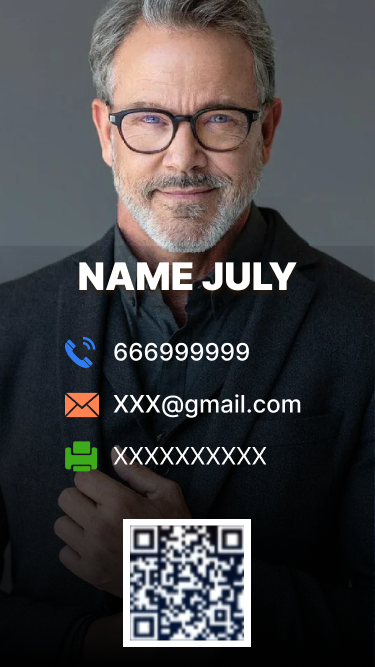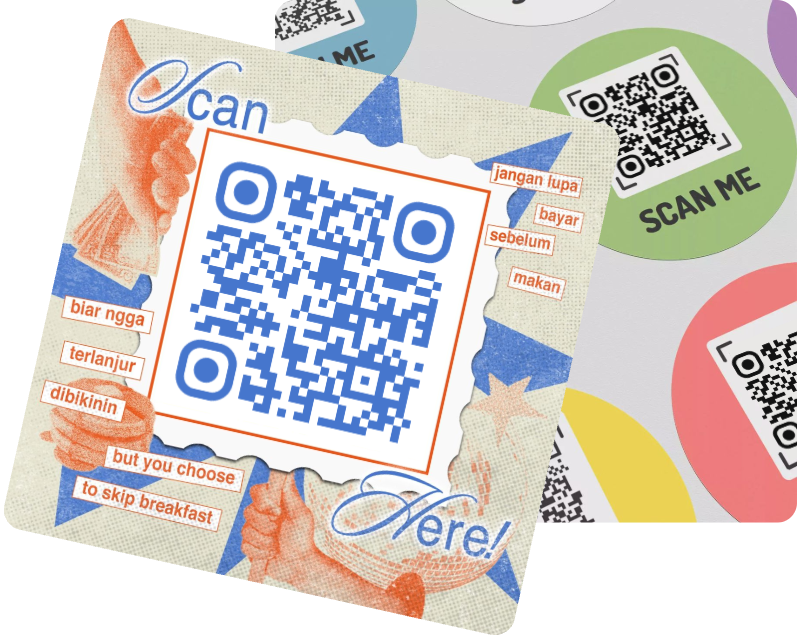
QR Code on Business Card

Easily create your own digital business cards. A QR code can quickly get your contact information and expand your social circle in a smarter way. MAKEAQRCODE Generator can help you quickly create a business card QR code to share your contact with just one scan.
Benefits
Creation
Use Cases
FAQ
Template 1Template 2Template 3Template 4Template 5

Benefits for Digital Business Card QR Code

QR Code on Business card
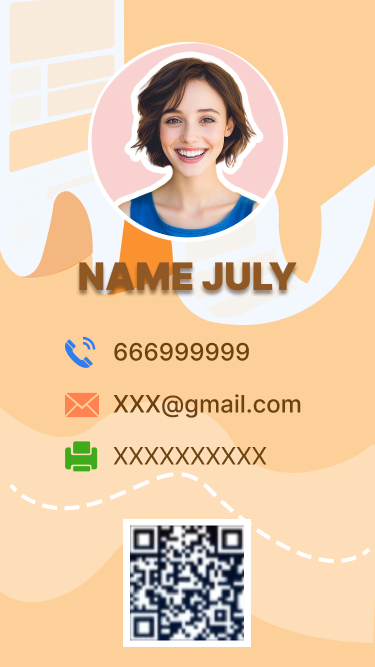
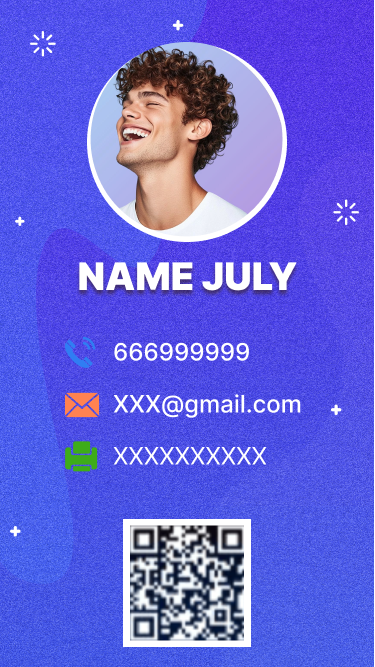
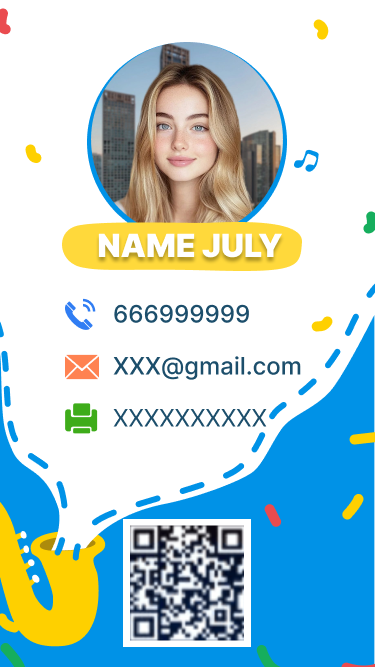
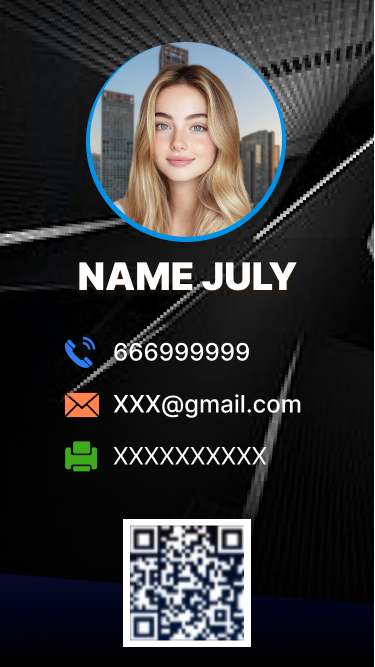
Great First Impression with Diverse Business Card design
Use professional digital business card templates or highly custom business cards to align with your brand image and personal style, leaving a positive first impression and increasing the likelihood of business partnerships.
One Click for Contact Information Exchange
Simply scan the QR code business card to access your contact. The interactive design on your unique business cards lets others add your info to Contact with one click, greatly facilitating the expansion of your contact list.
QR Code on card
QR Code on Business
Dynamic QR Code on Business Card
Dynamic digital business card QR code generator can help you create a business card qr code that can be modified and updated at any time, allowing you to update your contact information instantly without having to print business cards again or being lost.
Expand Social Network
A single digital business card QR code connects all your social network links, increasing your followers and exposure, and keeping clients more informed about your project developments.
QR Code Business card

How to Make A QR Code for A Business Card

1. Select virtual business card
Enter the MAKEAQRCODE Generator and select Create a digital business card QR code.
2. Design your own business cards
Fill in your contact information, then select business card examples or design your own.
3. Create a business card with qr code
Design the QR code and click Create to generate a dynamic QR code for vCard in seconds.

Explore More about QR codes on Business Cards

Digital business cards have become an integral part of expanding your business and can be used in all aspects of life. Here are some specific scenarios for using digital business cards with QR codes:
1. Investment Promotion Conferences
If you're in the early stages of starting a business, a digital business card with qr can help you make a good first impression, especially with investors. You can add your contact and describe your current projects on your digital business card, establishing a trustworthy and professional image.
2. Service Providers
As a service provider, digital business cards allow others to contact you quickly and easily, increasing business orders and establishing connections with potential clients.
3. Social Media Platforms
Post your digital business card with QR code on major social media platforms. Anyone interested in your business can scan the QR code to connect with your accounts on other platforms, helping you quickly grow your following.
4. Restaurant
Using modern business cards with QR code created by qr business card generator in your restaurant allows customers to quickly provide feedback and obtain information such as business hours.
5. Job seekers
Adding a digital business card QR code to your resume allows HR to find more of your contact information, quickly contact you, and bring you one step closer to your dream job.

FAQs

1. What is a digital business card?

A digital business card is a result page containing your contact information. You can share your digital business card QR code at any time. Unlike traditional paper QR codes, you don't need to print business cards with QR code or forget to carry it with you.

2. How do I update my digital business card QR code?

If your digital business card QR code is dynamic, you can modify your contact information and update the QR code anytime, anywhere.

3. Why use a digital business card?

Digital business cards are different from traditional paper business cards. They are faster and more convenient. As long as you have a digital business card QR code, a single scan can easily access a large number of contact information. You don't need to print and carry a stack of cards.

4. Can I track who has viewed my business cards?

Of course. If your digital business card QR code is dynamic, you can view data such as the number of scans, time, device, and location.

5.How to make business cards with QR?

When creating a digital business card, you can make sure that the digital business card template you use or the digital business card style you design matches your personal image or brand image. It is also best to add some appealing text and interactive click elements.