QR Code for Google Reviews

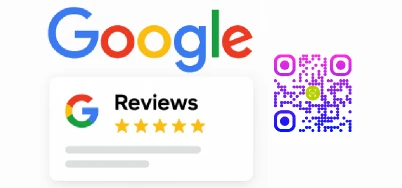
Use Google Review Card QR codes to let your customers quickly write a Google review with a single scan. At the same time, let the QR code help you get more and effective & authentic Google reviews for business faster, increasing your online presence and positive impressions.
QR Code for Google Review

What is Google Review Card?

Google Review Card is a way for your customers to share their honest feedback about your products or services. The link for Google Review is encoded within the QR code on Google Review Card.
Anyone who scans the QR Code for Google review will be redirected to the merchant's website and can quickly post a Google review.
Create Google Review Card
Google review page

Why use Google Review Cards with QR code?

Benefits for Google review
1. For businesses, online reviews have a significant impact on potential customers, and Google Reviews are no exception. Google Review Cards with QR code are a convenient way to encourage users to write a Google reviews positive.
2. QR code for Google Review Card allows users to leave positive Google reviews for business with a single scan, streamlining the review process and enabling users to post Google reviews digitally at the right time.
3. Google review cards with QR code can also help you track scanning data, including the scanning device, time, location, etc., to help you carry out targeted marketing campaigns.
Create Google Review Card

How to create a QR code for Google Reviews card?

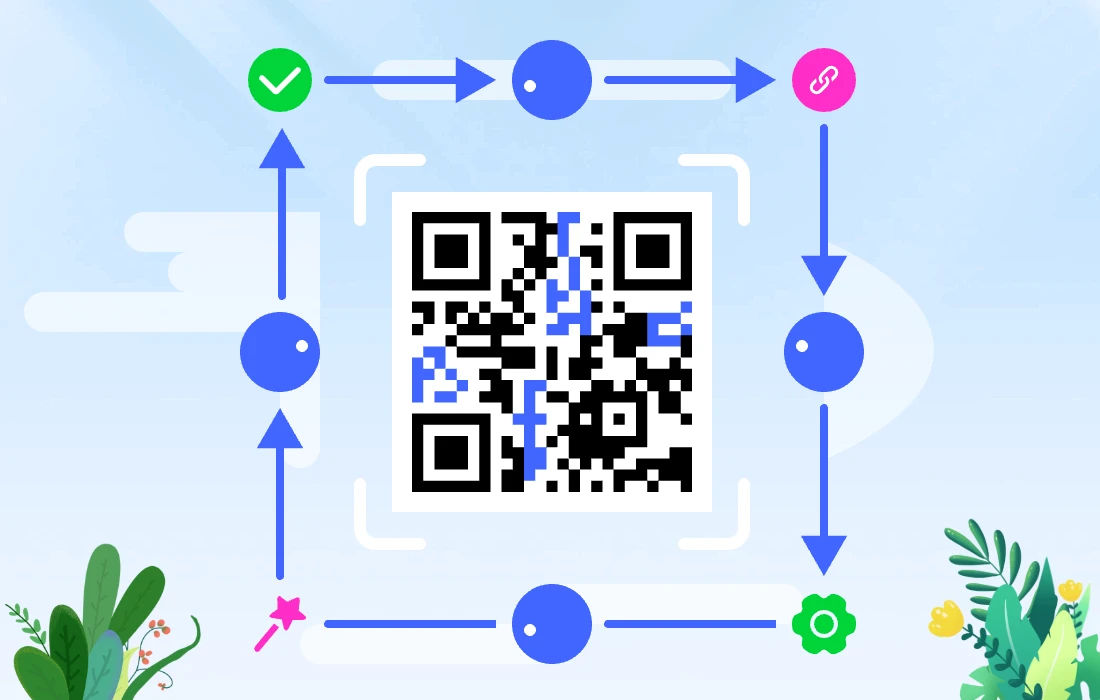
The easiest way is to use the Google Review QR Code Generator to create a Google Review card that can help you get more Google reviews.
1. First, copy the link for Google Review URL.
2. Then, use the MAKEAQRCODE Generator to generate a dynamic QR code for URL.
3. Customize your QR code by changing its color, shape, and adding your brand logo.
4. Finally, embed the QR code in your Google Review card.
If you want to print your Google Review card, remember to scan the Google Review QR code to test it.
Create Google Review Card
Create Google review qr code

How to make a Google Review tap card with QR code that helps you get more google reviews?

Get more Google review
Want to get more five-star Google reviews? There are several ways to do:
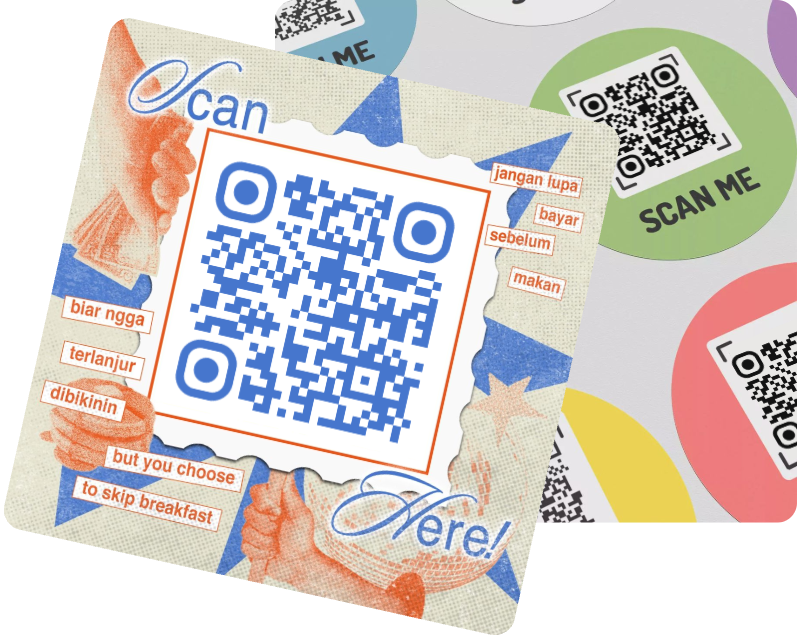
1.Create an engaging, brand-friendly QR code design. Customize your Google Review QR code with MAKEAQRCODE Generator, adding your brand logo, changing the QR code theme...
2.Place your Google Review card in the perfect spot. Place your Google Review card with the QR code prominently in your store or on your website to draw attention.
3.Respond positively. After users post a Google Review, provide positive feedback to make them feel valued.
Create Google Review Card

Useful scenarios for Google Review QR codes

1. Restaurants
Google Review cards are essential for restaurants. To increase your Google Review count and score, you can add Google Review cards with QR code to tables or on takeout packaging.
2. Hotels
Hotels are one of the industries where collecting as many Google Reviews as possible is crucial, as user reviews are a major factor in choosing the hotel. You can add the Google Reviews QR code at your hotel front desk, on your website, or in room decorations.
...
Create Google Review Card
Scenarios for Google Review card

FAQs

1. How do I create an eye-catching Google Review card?

Using the MAKEAQRCODE Generator, you can not only generate Google Review QR codes but also customize them to your needs.

2. Why should I use a Google Review QR code?

Google Reviews can help you stand out from the crowd, build trust in your services and products, and attract new customers.

3. How do I create the link for Google Review?

Visit your Google Business Profile and click Share Reviews in the menu. Then copy the link and use it to generate a QR code.

4. What's the best way to distribute Google Review card?

You can print QR codes on Google Review cards and place them on product packaging, interior decoration, reception desks, bills, and more. If you use a digital version of the Google Review QR code, you can incorporate it into your customer service process.

5. How long does it take to see results from Google Review cards?

The effectiveness of these cards will vary over time and depending on various factors, including how you distribute them. However, most companies report that these cards have doubled their Google Review traffic within a few weeks.